



JSON Formatter & Validator

Paste JSON to check that it is valid and to lay it out with clean indentation. If something is wrong, you get the exact line and column and a plain-language explanation.

  • Free daily uses
  • Runs in your browser
  • No sign-up needed

Plan: FreeView packages →

Processed in your browser. Your JSON is not uploaded.

20 of 20 operations left today
JSON input

Formatted JSON

Guide

How to format and validate JSON

Four steps to turn messy JSON into tidy, readable JSON, and to find any mistake in it.

  1. Add your JSON

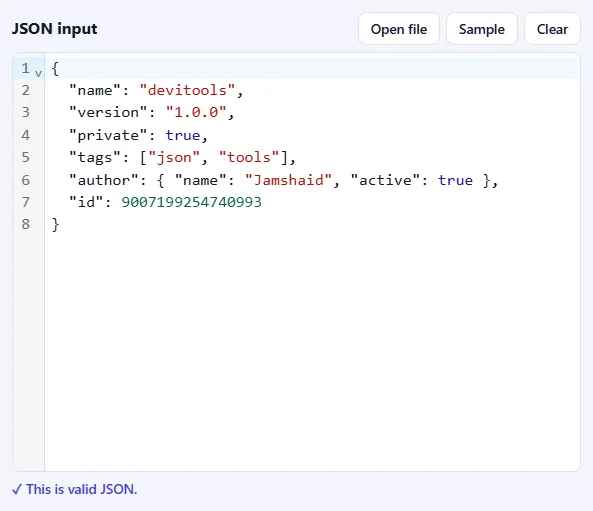
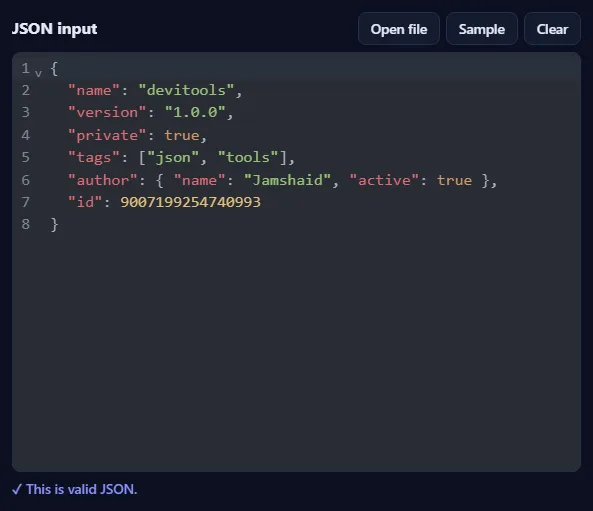
    Paste JSON into the JSON input box, drop a .json file onto it, or click Open file. Click Sample to try the tool with a small example object. As soon as the text is valid, you'll see ✓ This is valid JSON under the box.

    The JSON input box filled with sample JSON, with Open file, Sample and Clear buttons, and the message “This is valid JSON” below it.The JSON input box filled with sample JSON, with Open file, Sample and Clear buttons, and the message “This is valid JSON” below it.
  2. Choose the indentation

    Pick 2 spaces, 4 spaces or Tab. Tick Sort keys A to Z to put the properties of every object in alphabetical order, which makes two files easier to compare.

    The options bar with the Indentation menu set to 2 spaces and the Sort keys A to Z checkbox.The options bar with the Indentation menu set to 2 spaces and the Sort keys A to Z checkbox.
  3. Press Format & validate

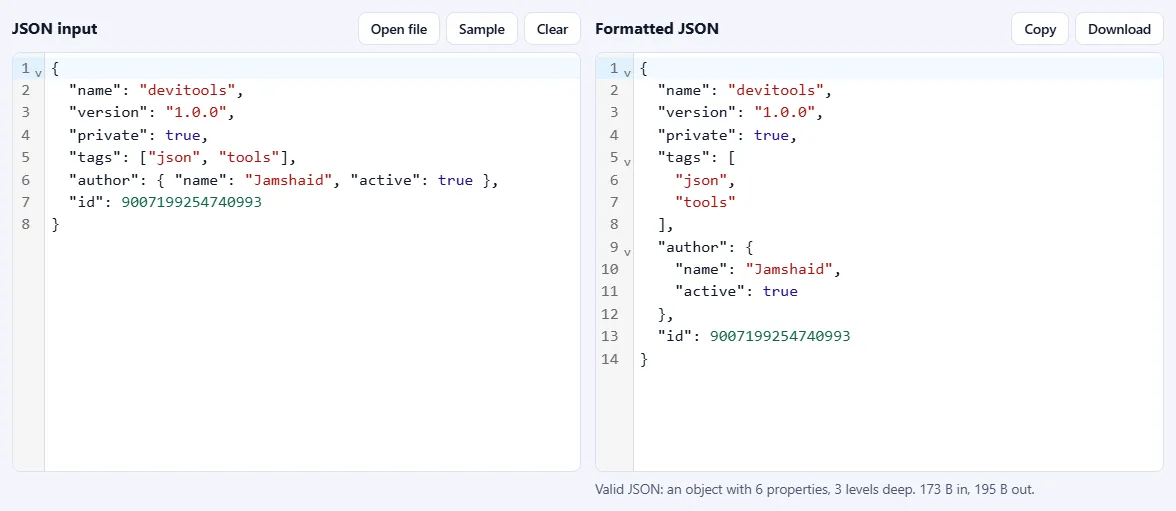
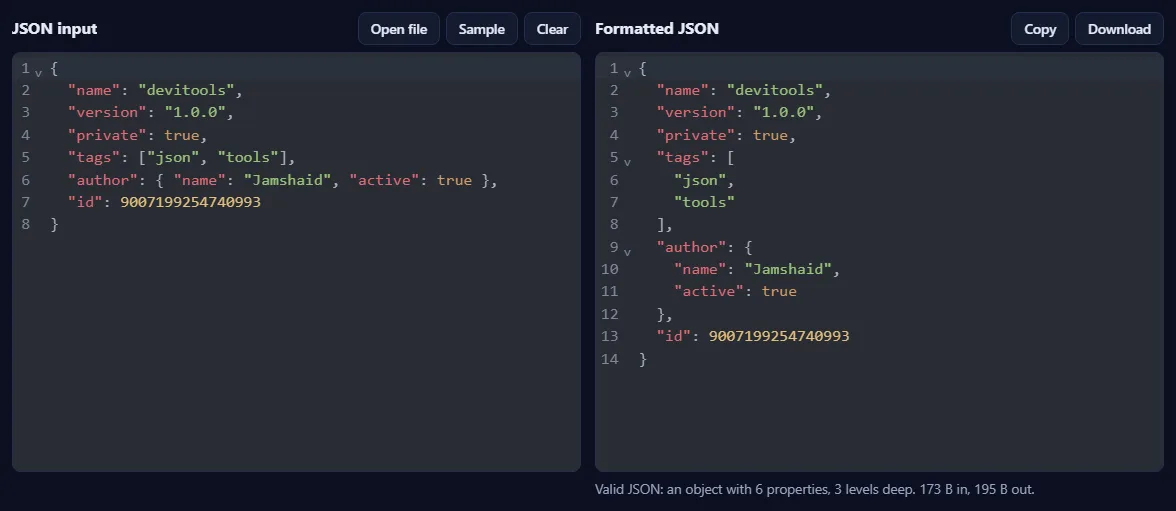
    The tidy JSON appears on the right. Underneath, a summary tells you what the JSON contains, such as how many properties and levels deep it is. Use Copy or Download to take it with you.

    Compact JSON on the left and the same JSON neatly indented on the right, with a summary line below and Copy and Download buttons.Compact JSON on the left and the same JSON neatly indented on the right, with a summary line below and Copy and Download buttons.
  4. Fix mistakes in seconds

    If the JSON is invalid, a message names the line and column, explains what is wrong (for example a missing comma) and shows the spot. Click Go to error to jump straight there in the editor, fix it and press Format & validate again.

    An error box reading “Invalid JSON at line 5, column 3” with an explanation that a comma may be missing, the line with a caret under the problem, and a Go to error button.An error box reading “Invalid JSON at line 5, column 3” with an explanation that a comma may be missing, the line with a caret under the problem, and a Go to error button.

Good to know

  • Nothing is uploadedYour JSON is processed in your browser and never leaves your device.
  • Daily usesEach successful run counts as one JSON operation. Invalid JSON is never counted.
  • Big numbers are safeVery large numbers, such as long IDs, are kept exactly as written instead of being rounded.

Frequently asked questions

What counts as valid JSON?

JSON follows a strict standard (RFC 8259). Property names and text values must use double quotes, items are separated by commas with no comma after the last one, and comments are not allowed. Values can be objects, arrays, text, numbers, true, false or null. JavaScript habits such as single quotes, unquoted keys, trailing commas, NaN and undefined are errors in JSON.

Will formatting change my data?

No values are changed. Numbers are kept exactly as you wrote them, so a large ID such as 9007199254740993 stays intact (many tools silently round it), and 1.10 stays 1.10. Properties stay in their original order unless you turn on Sort keys. Text may be re-escaped, for example \u00e9 becomes é, which means the same thing.

How do I find what is wrong with my JSON?

When the JSON is invalid, the tool shows the line and column, the line itself with a marker, and a short explanation such as a missing comma, a trailing comma, single quotes or an unclosed bracket. The most common causes are a missing or extra comma, single quotes instead of double quotes, and a missing closing bracket.

Does it warn about duplicate keys?

Yes. JSON allows the same key twice in an object, but most programs keep only the last value and silently drop the others. The tool keeps both in the output and lists the duplicate keys so you can decide.

Is my JSON uploaded or stored?

No. Everything runs inside your browser, so your data never leaves your device. Our server only records that one operation was formatted, along with your network address, so the daily limit shown above the tool can be applied.

More JSON tools