

JSON to CSV Converter

Turn a JSON array of records into a CSV file that opens in Excel, Google Sheets or any database tool. Nested objects become columns and records with missing fields are filled in with blanks.

  • Free daily uses
  • Runs in your browser
  • No sign-up needed

Plan: FreeView packages →

Processed in your browser. Your JSON is not uploaded.

20 of 20 operations left today
JSON input

CSV

Guide

How to convert JSON to CSV

Three steps to turn a JSON array of records, such as an API response, into a spreadsheet.

  1. Add your JSON

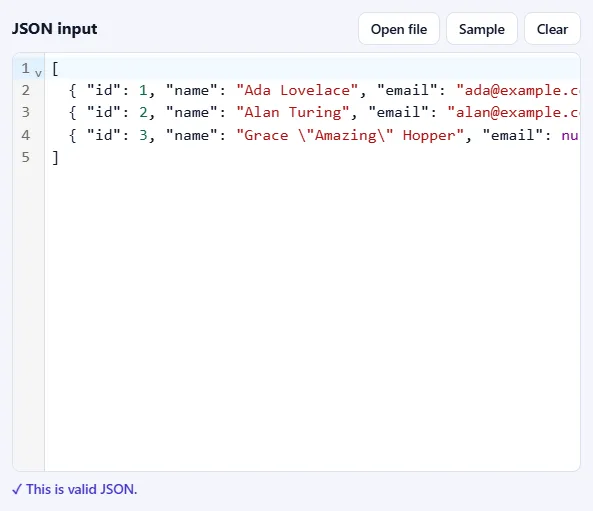
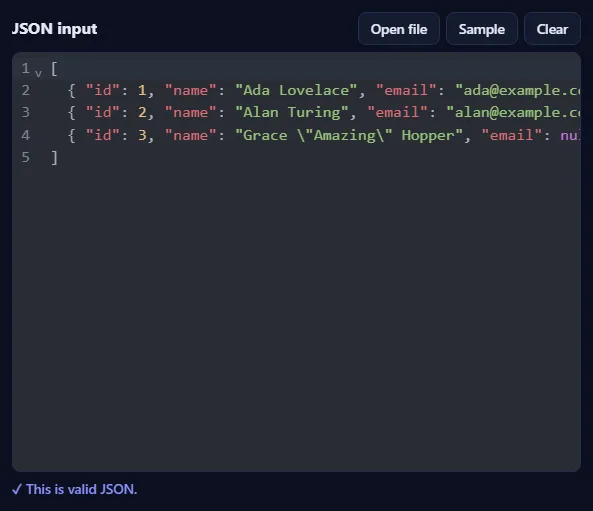
    Paste JSON into the JSON input box, drop a .json file onto it, or click Open file. Click Sample to try the tool with a short list of people. As soon as the text is valid, you'll see ✓ This is valid JSON under the box.

    The JSON input box filled with sample JSON, with Open file, Sample and Clear buttons, and the message “This is valid JSON” below it.The JSON input box filled with sample JSON, with Open file, Sample and Clear buttons, and the message “This is valid JSON” below it.
  2. Choose how the CSV is built

    Pick the Separator your spreadsheet expects (many European versions of Excel use a semicolon). Choose whether arrays become one cell or separate columns, and whether nested objects are flattened into columns like address.city. Keep Protect against spreadsheet formulas on for data from other people.

    The CSV options: Separator, Arrays inside records, and checkboxes for Flatten nested objects, Header row and Protect against spreadsheet formulas.The CSV options: Separator, Arrays inside records, and checkboxes for Flatten nested objects, Header row and Protect against spreadsheet formulas.
  3. Press Convert to CSV

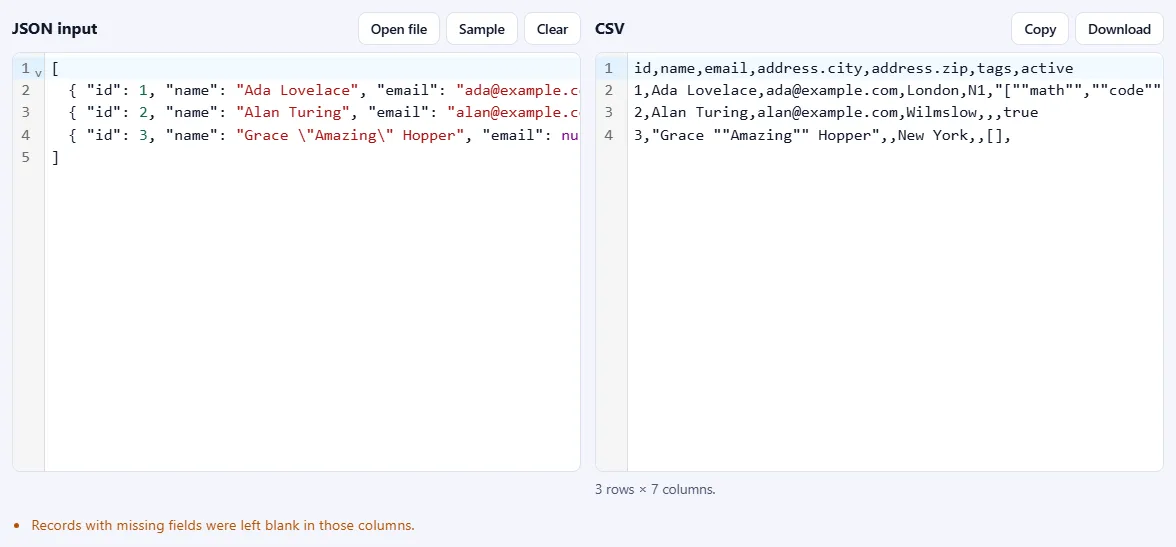
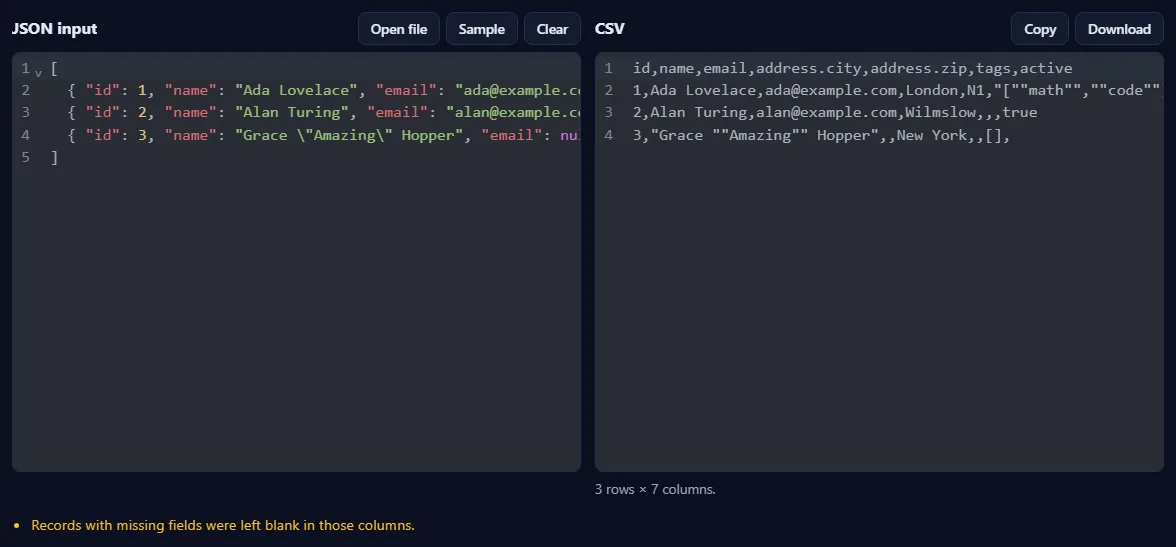
    The CSV appears on the right, with the number of rows and columns below it. If some records are missing fields, a note tells you those cells were left blank.

    A JSON array of three people on the left and the CSV on the right with columns id, name, email, address.city, address.zip, tags and active, and a note below.A JSON array of three people on the left and the CSV on the right with columns id, name, email, address.city, address.zip, tags and active, and a note below.

Good to know

  • Opens correctly in ExcelDownload saves a .csv file that Excel opens with accents and other special characters intact.
  • Nothing is uploadedYour JSON is processed in your browser and never leaves your device.
  • Daily usesEach successful run counts as one JSON operation. Invalid JSON is never counted.

Frequently asked questions

Which JSON shapes can be converted?

The best fit is an array of objects, where each object becomes a row and each distinct key becomes a column. A single object becomes one row. An array of arrays becomes rows of numbered columns, and an array of plain values becomes a single column named value. The column list is the union of all keys, so records with missing fields simply get blank cells.

What happens to nested objects and arrays?

With Flatten nested objects on, an object like {"address": {"city": "London"}} becomes a column named address.city. Arrays can either be written as JSON text in one cell, which keeps them intact, or spread across numbered columns such as tags.0 and tags.1. With flattening off, nested objects are written as JSON text in a single cell.

Why do accented or non-English letters look wrong in Excel?

Excel opens plain CSV files using an old character set unless the file starts with a UTF-8 marker. The downloaded file includes that marker, so accents, Arabic, Chinese and emoji display correctly. Copying the text does not include it.

What does Protect against spreadsheet formulas do?

A text value that starts with =, +, - or @ can be run as a formula when the CSV is opened in a spreadsheet, which is a known way to attack people who open files from untrusted sources. When this option is on, such values get an apostrophe in front so they are shown as text. Negative numbers are not affected. Turn it off if you need the exact original text.

Are numbers kept exactly?

Yes. Numbers are written as they appear in the JSON, so large IDs and values like 1.50 are not rounded or reformatted. Note that Excel itself may still round numbers longer than 15 digits when it opens the file; for long IDs, import the column as text.

Is my JSON uploaded or stored?

No. Everything runs inside your browser, so your data never leaves your device. Our server only records that one operation was converted, along with your network address, so the daily limit shown above the tool can be applied.

More JSON tools