JSON Minifier

Remove every unnecessary space and line break from your JSON to make it as small as possible, for example before putting it in a request, a config value or a database field.

  • Free daily uses
  • Runs in your browser
  • No sign-up needed

Plan: FreeView packages →

Processed in your browser. Your JSON is not uploaded.

20 of 20 operations left today

Removes spaces and line breaks. Values and key order are not changed.

JSON input

Minified JSON

Guide

How to minify JSON

Two steps to make JSON as small as possible for an API, a config value or a database field.

  1. Add your JSON

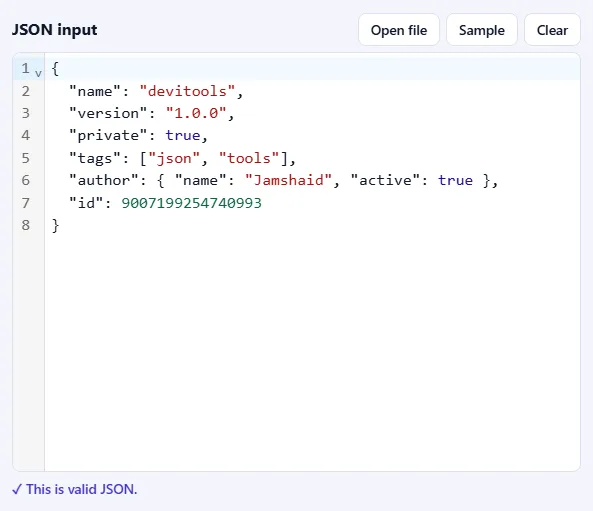
    Paste JSON into the JSON input box, drop a .json file onto it, or click Open file. Click Sample to try the tool with a small example object. As soon as the text is valid, you'll see ✓ This is valid JSON under the box.

    The JSON input box filled with sample JSON, with Open file, Sample and Clear buttons, and the message “This is valid JSON” below it.The JSON input box filled with sample JSON, with Open file, Sample and Clear buttons, and the message “This is valid JSON” below it.
  2. Press Minify

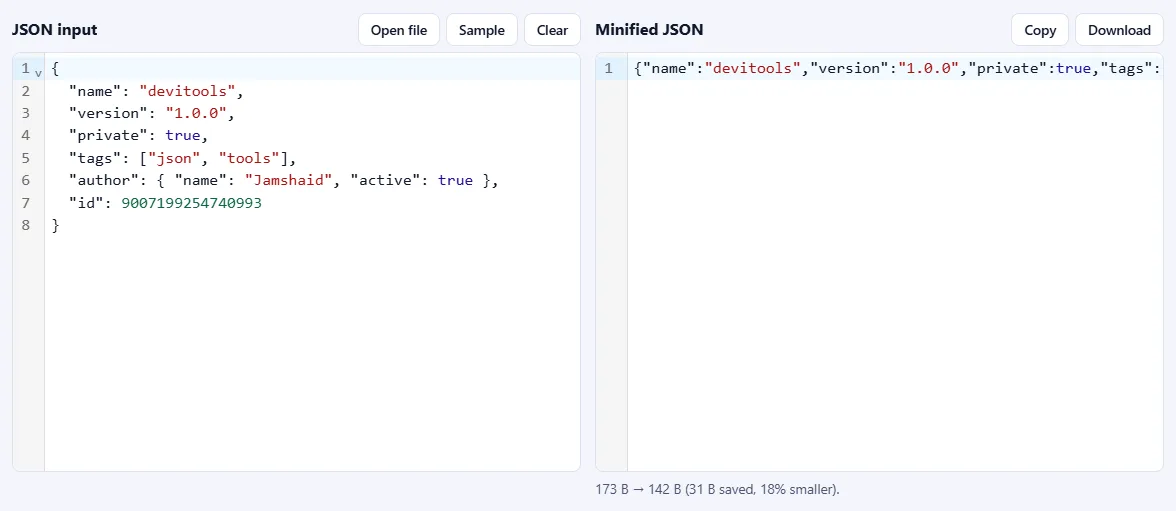
    All spaces and line breaks are removed, and the compact JSON appears on the right. Underneath, you'll see the size before and after and how much was saved. Values and key order are not changed.

    Formatted JSON on the left and the same JSON on a single line on the right, with a line below showing the bytes saved.Formatted JSON on the left and the same JSON on a single line on the right, with a line below showing the bytes saved.

Good to know

  • Copy or downloadClick Copy to paste it elsewhere, or Download to save a .min.json file.
  • Nothing is uploadedYour JSON is processed in your browser and never leaves your device.
  • Daily usesEach successful run counts as one JSON operation. Invalid JSON is never counted.

Frequently asked questions

What does minifying change?

Only the whitespace between values: spaces, tabs and line breaks. Keys, values, numbers and the order of properties stay exactly the same, and whitespace inside text values is never touched. Minifying also validates the JSON, so a mistake is reported instead of being copied into the result.

How much smaller will it be?

It depends on how the original was indented. Heavily indented, pretty-printed JSON often shrinks by 20 to 40 percent; JSON that is already compact barely changes. The tool shows the exact saving after each run.

Is minifying the same as compressing with gzip?

No. Minifying removes whitespace and the result is still plain, readable JSON. Gzip or Brotli compress the bytes for transfer and are applied by your server. The two combine well: minified JSON is smaller before and after compression.

Can I turn minified JSON back into readable JSON?

Yes. Use the JSON Formatter & Validator. Formatting restores indentation and line breaks, so nothing is lost by minifying.

Is my JSON uploaded or stored?

No. Everything runs inside your browser, so your data never leaves your device. Our server only records that one operation was minified, along with your network address, so the daily limit shown above the tool can be applied.

More JSON tools