






Frequently asked questions
Is this HEIC to PDF converter free and private?
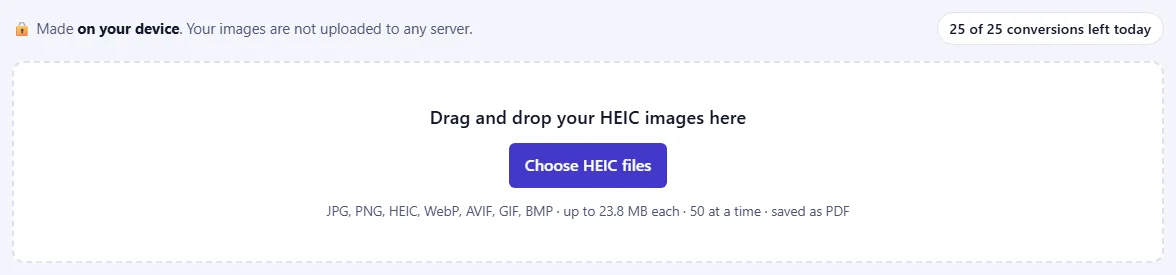
Yes. The PDF is made inside your browser, so your HEIC images are never uploaded to a server. Our server only records how many were converted, along with your network address, so that the daily limit can be applied.
Do I have to convert my HEIC photos to JPG first?
No. Add the HEIC photos from your iPhone or iPad directly. Safari opens HEIC itself; in other browsers a built-in decoder reads them, which can take a moment for large photos.
Will portrait iPhone photos come out upright?
Yes. The photo's rotation is applied before the picture goes into the PDF, so portrait shots are the right way up. Location and camera details are not copied.
Can I combine several HEIC images into one PDF?
Yes. Add up to 50 HEIC images at a time, put them in order with the arrow buttons, and they become the pages of one PDF. You can also make a separate PDF for each picture instead.
Can I mix HEIC with other image types?
Yes. This page accepts JPG, PNG, HEIC, WebP, AVIF, GIF and BMP files, and you can mix them in one PDF.
Which page size should I choose?
Choose A4 or US Letter for printing or standard documents; each picture is scaled to fit the page and centred, and the orientation follows the picture unless you pick one. "Fit to image" makes each page exactly the size of its picture, with no border.
How do I make my HEIC PDF smaller?
Lower the quality or choose a smaller image size before you press Create PDF. A quality of 75 to 85% usually looks the same and gives a much smaller file.