

JSON to XML Converter

Turn JSON into well-formed XML for systems, feeds and configuration files that expect XML. Choose the root element, how arrays are written and whether @keys become attributes; special characters are escaped for you.

  • Free daily uses
  • Runs in your browser
  • No sign-up needed

Last updated

Plan: FreeView packages →

Processed in your browser. Your JSON is not uploaded.

20 of 20 operations left today
JSON input

XML

Guide

How to convert JSON to XML

Three steps to turn JSON into well-formed XML for a system, a feed or a config file.

  1. Add your JSON

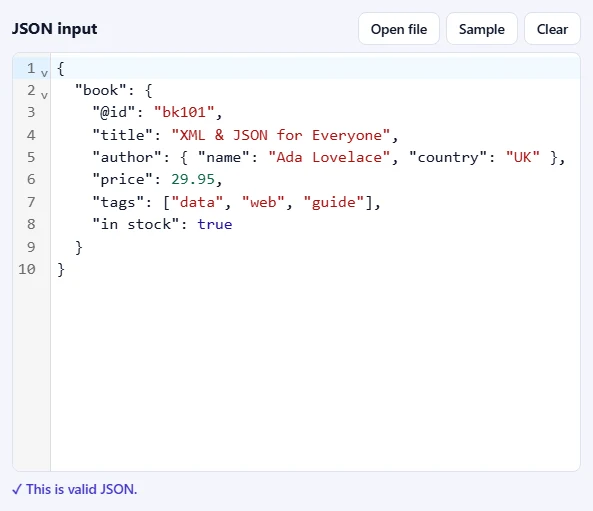
    Paste JSON into the JSON input box, drop a .json file onto it, or click Open file. Click Sample to try the tool with a small book record. As soon as the text is valid, you'll see ✓ This is valid JSON under the box.

    The JSON input box filled with sample JSON, with Open file, Sample and Clear buttons, and the message “This is valid JSON” below it.The JSON input box filled with sample JSON, with Open file, Sample and Clear buttons, and the message “This is valid JSON” below it.
  2. Choose how the XML is built

    Name the Root element that wraps everything and pick the Indentation. Under Arrays, choose whether list items repeat their element or are wrapped in item elements. Keep @keys become attributes on to turn keys like @id into attributes, and XML declaration to start the file with the standard first line.

    The XML options: Root element, Indentation, Arrays, and checkboxes for @keys become attributes and XML declaration.The XML options: Root element, Indentation, Arrays, and checkboxes for @keys become attributes and XML declaration.
  3. Press Convert to XML

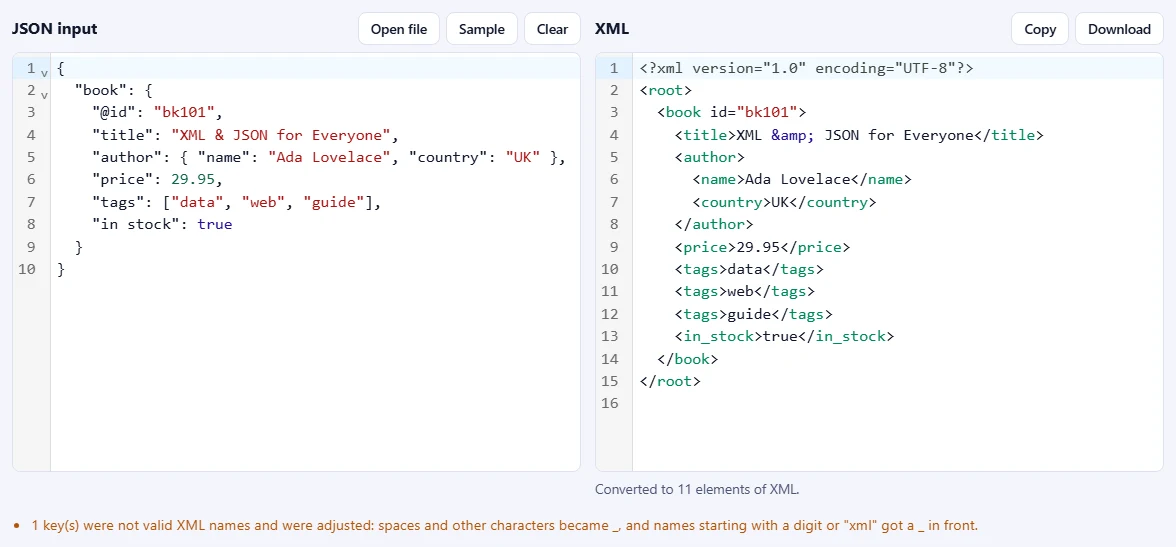
    The XML appears on the right, with the number of elements below it. If some keys were not valid XML names, a note tells you they were adjusted. Use Copy or Download to save an .xml file.

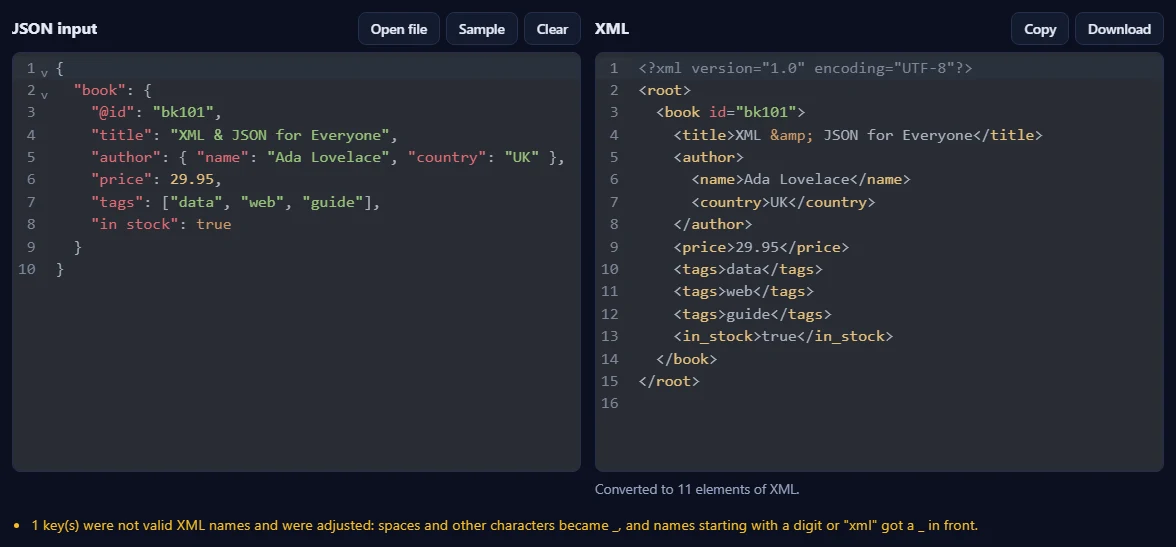
    A JSON book record on the left and the same data as XML on the right, with an id attribute, repeated tag elements and a note about an adjusted key name.A JSON book record on the left and the same data as XML on the right, with an id attribute, repeated tag elements and a note about an adjusted key name.

Good to know

  • Valid namesKeys with spaces or characters XML does not allow are adjusted automatically, and a note says how many.
  • Nothing is uploadedYour JSON is processed in your browser and never leaves your device.
  • Daily usesEach successful run counts as one JSON operation. Invalid JSON is never counted.

Frequently asked questions

How is JSON turned into XML?

Each object key becomes an element with the same name, and its value becomes the element's text or its child elements. Everything is wrapped in one root element, called root unless you choose another name, because an XML document must have exactly one. When the JSON itself is an array, each item becomes an <item> element.

What happens to arrays?

With Repeat the element, {"tag": ["a", "b"]} becomes <tag>a</tag><tag>b</tag>, the style most XML formats use. With Wrap items it becomes <tag><item>a</item><item>b</item></tag>, which keeps empty arrays as empty elements and makes the list easy to spot.

Can I create XML attributes?

Yes. With @keys become attributes switched on, a key that starts with @, such as "@id": "bk101", becomes the attribute id="bk101" on its element, and a "#text" key becomes the element's text. This is the convention many JSON and XML tools share, so the result converts back the same way.

What if a key is not a valid XML name?

XML element names cannot contain spaces or most punctuation, cannot start with a digit and cannot start with "xml". Such characters become an underscore and a bad first character gets an underscore in front, so "in stock" becomes <in_stock> and "2024" becomes <_2024>. A note under the result tells you how many keys were adjusted.

Are special characters handled?

Yes. &, < and > in text are escaped as &amp;, &lt; and &gt;, and quotes in attributes as &quot;, so the XML is always well-formed. The output is UTF-8, so accents and other alphabets stay as they are. Control characters that XML 1.0 forbids are removed, and a note says so.

Can I convert XML back to JSON?

Not here yet. This page converts from JSON to XML only.

Is my JSON uploaded or stored?

No. Everything runs inside your browser, so your data never leaves your device. Our server only records that one operation was converted, along with your network address, so the daily limit shown above the tool can be applied.

More JSON tools