XML Validator

Check that your XML is well-formed and, if you have one, that it follows an XSD schema: the right elements in the right order, required attributes and correct value types. Every problem is listed with its line, so you can jump straight to it.

  • Free daily uses
  • Runs in your browser
  • No sign-up needed

Last updated

Plan: FreeView packages →

Processed in your browser. Your XML is not uploaded.

100 of 100 operations left today
XML input

XSD schema (optional)

Guide

How to validate XML

Three steps to check that XML is well-formed and follows its XSD schema.

  1. Add your XML

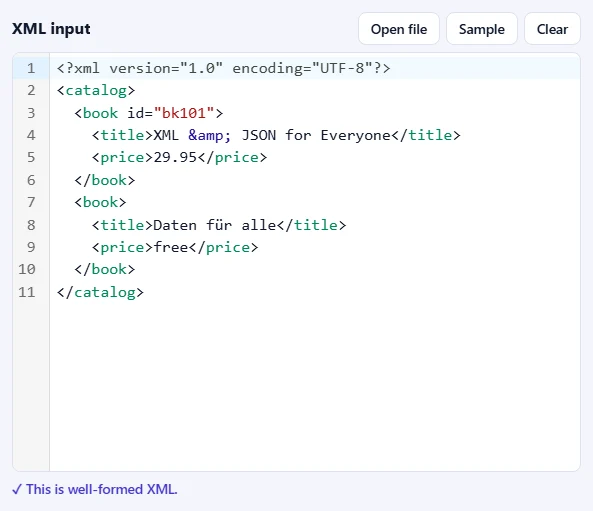
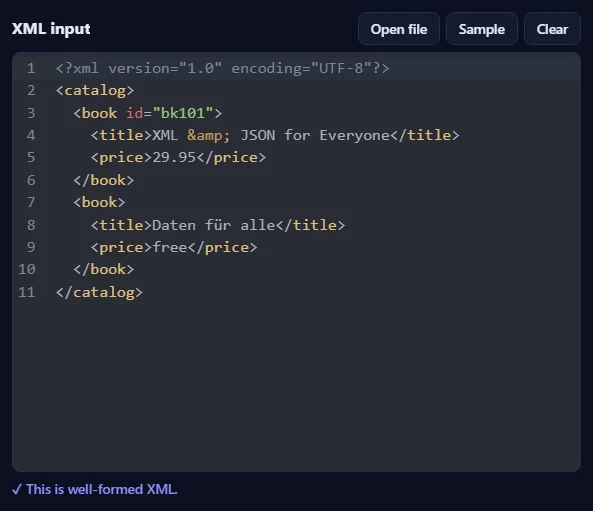
    Paste XML into the XML input box, drop an .xml file onto it, or click Open file. Click Sample to try it with a small catalog. While you type, the box tells you whether the XML is well-formed, and points to any mistake.

    The XML input box with a small catalog of two books and the message that it is well-formed XML.The XML input box with a small catalog of two books and the message that it is well-formed XML.
  2. Add an XSD schema (optional)

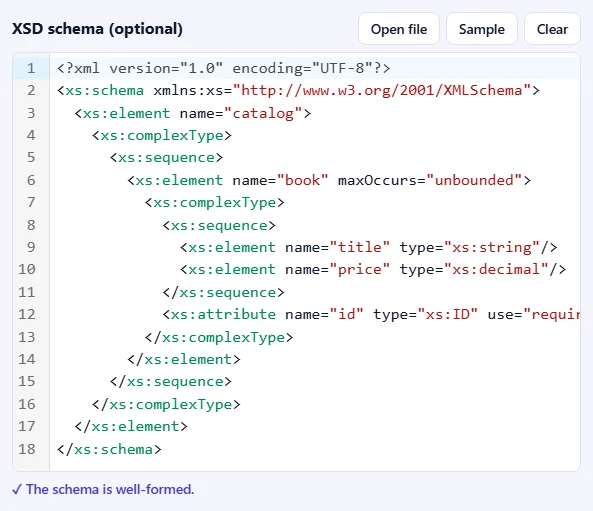
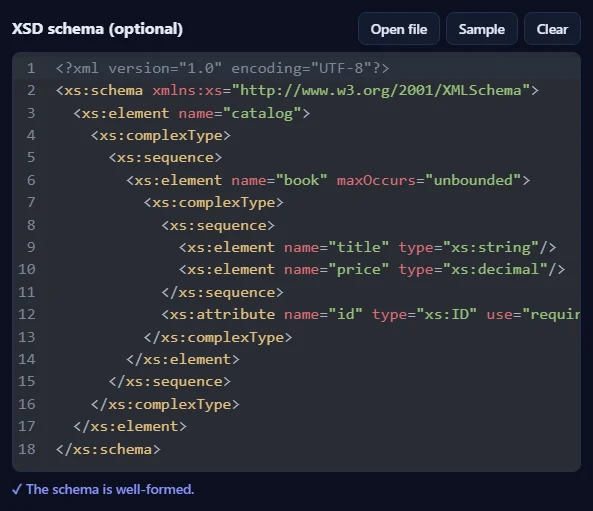
    Paste a schema into XSD schema (optional) or open an .xsd file. Sample loads a schema that matches the sample catalog. Leave the box empty to check only that the XML is well-formed.

    The XSD schema box with a schema that describes a catalog of books with a title, a decimal price and a required id.The XSD schema box with a schema that describes a catalog of books with a title, a decimal price and a required id.
  3. Press Validate XML

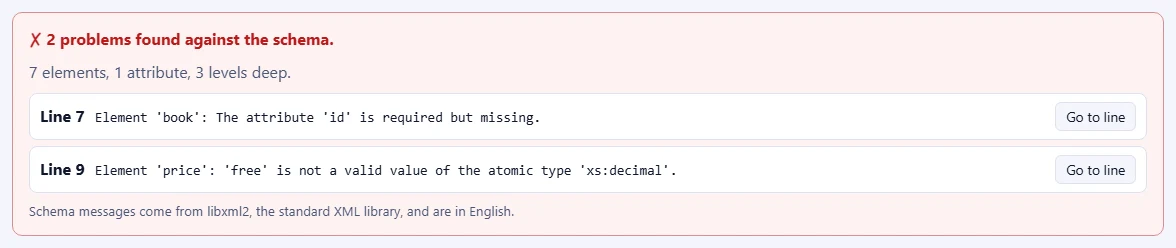
    A green report means the XML is valid. Otherwise every problem is listed with its line, such as a price that is not a number or a missing attribute; Go to line jumps straight to it in the editor.

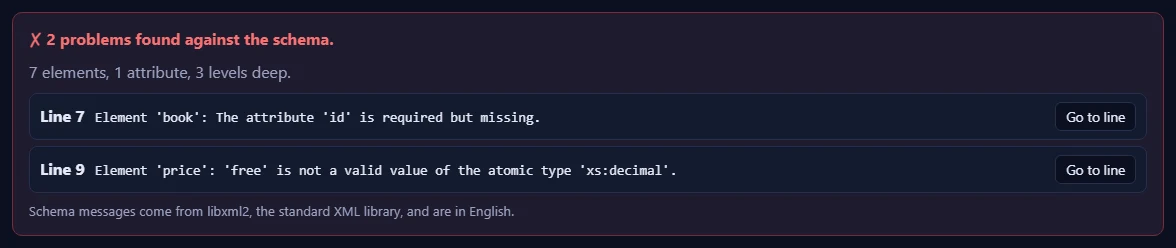
    A red report saying 2 problems were found against the schema: a missing id attribute and a price that is not a valid decimal, each with its line and a Go to line button.A red report saying 2 problems were found against the schema: a missing id attribute and a price that is not a valid decimal, each with its line and a Go to line button.

Good to know

  • Nothing is uploadedThe schema check runs in your browser with libxml2. Your XML and your schema never leave your device.
  • Daily usesEach completed validation counts once. Well-formedness mistakes are shown for free as you type.
  • One schema fileSchemas that import other files can't load them here. Copy the definitions into one schema.

Frequently asked questions

What is the difference between well-formed and valid XML?

Well-formed XML follows the rules of the XML language itself: every tag is closed and properly nested, there is one root element, attributes are quoted and special characters are escaped. Valid XML is well-formed and also follows a schema that describes which elements and attributes are allowed, in which order, and what kind of values they hold.

Do I need a schema?

No. Without a schema the validator checks that the XML is well-formed and shows its size and depth. Paste or open an XSD schema in the right-hand box to also check the structure and the values, for example that a price is a number or that a required attribute is present.

Which schemas are supported?

XSD (XML Schema 1.0) in one file. Schemas that pull in other files with xs:import or xs:include cannot load those files here; copy their definitions into one schema instead. DTD and RELAX NG validation are not available on this page.

Why are the schema messages in English?

They come from libxml2, the standard XML library used by many programs and operating systems, which writes its messages in English. The line numbers, the headings and the well-formedness messages are shown in your language.

Is my XML uploaded?

No. The schema check runs in your browser: libxml2 is compiled to WebAssembly and downloaded the first time you validate against a schema (about 1 MB). Your XML and your schema never leave your device. Our server only records that one check was done, so the daily limit can be applied.

What counts towards the daily limit?

Each completed validation counts once, whether the XML turns out valid or not. Mistakes that make the XML not well-formed are shown for free as you type and are never counted.

More XML tools