


Frequently asked questions
What does the XML formatter change?
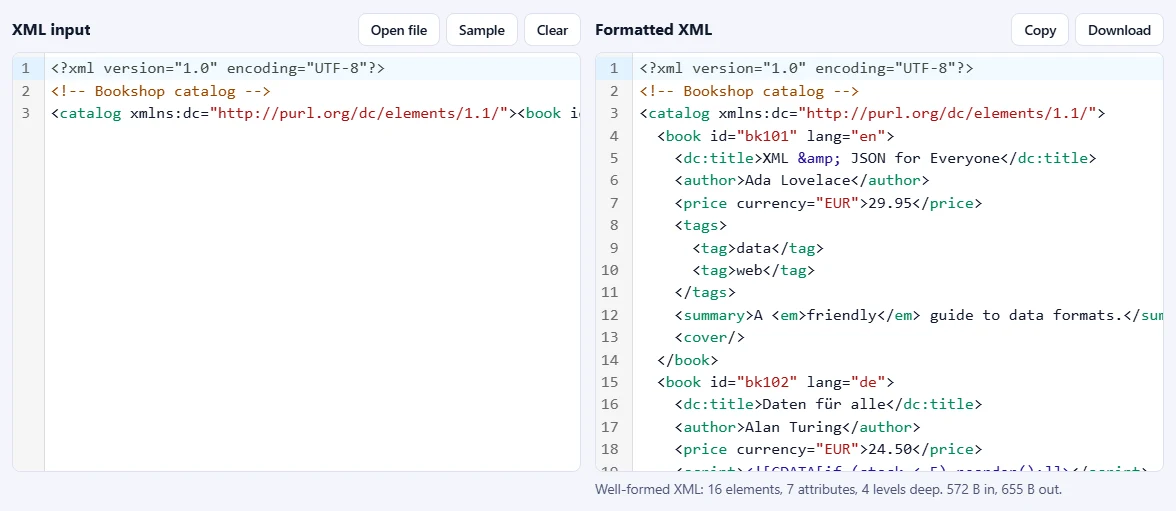
Only the whitespace between tags: the indentation and line breaks. Element names, attributes (in their order and with their quotes), text, comments, CDATA sections, entities, processing instructions and the XML declaration stay exactly as you wrote them.
Will it change the text inside my elements?
No. Text is never trimmed or re-escaped. Elements that hold text next to child elements (mixed content), like <p>Hello <b>world</b></p>, and elements marked xml:space="preserve" are written exactly as they were, because their spaces are part of the data.
Does it check that my XML is valid?
It checks that the XML is well-formed: every tag is closed and properly nested, there is one root element, attributes are quoted and not repeated, and & and < are escaped. Any mistake is shown with its line and column and a short explanation. It does not validate against a schema (XSD) or DTD.
Can I minify XML with it?
Yes. Choose One line (minified) under Indentation to remove the whitespace between tags, and untick Keep comments to remove comments too. Text inside elements is not touched, so the data stays the same.
Why is reported as an error?
XML itself only defines five entities: &, <, >, " and '. HTML names like or © must be declared in the document's DOCTYPE, or written as character references such as  . When the document has a DOCTYPE, the formatter accepts its entities and leaves them unchanged.
Is my XML uploaded or stored?
No. Everything runs inside your browser, so your data never leaves your device. Our server only records that one operation was done, along with your network address, so the daily limit shown above the tool can be applied.