

XML to JSON Converter

Paste XML to turn it into clean, readable JSON. Attributes become @keys, repeated elements become arrays, and numbers and true/false can become real JSON values. If the XML has a mistake, you see the exact line and column.

  • Free daily uses
  • Runs in your browser
  • No sign-up needed

Last updated

Plan: FreeView packages →

Processed in your browser. Your XML is not uploaded.

100 of 100 operations left today
XML input

JSON

Guide

How to convert XML to JSON

Three steps from an XML document to JSON you can use in code, APIs and config files.

  1. Add your XML

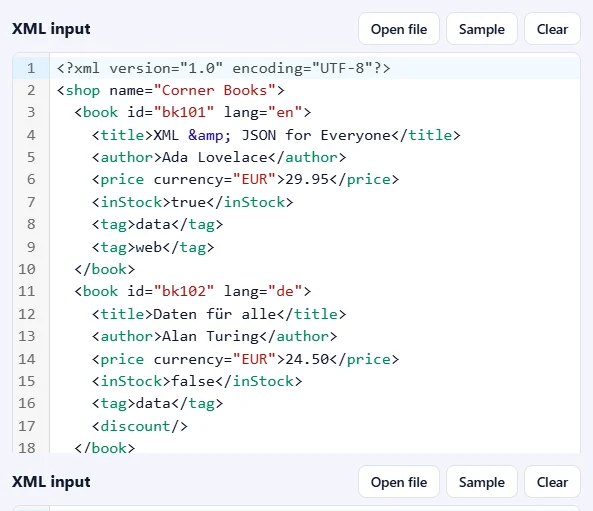
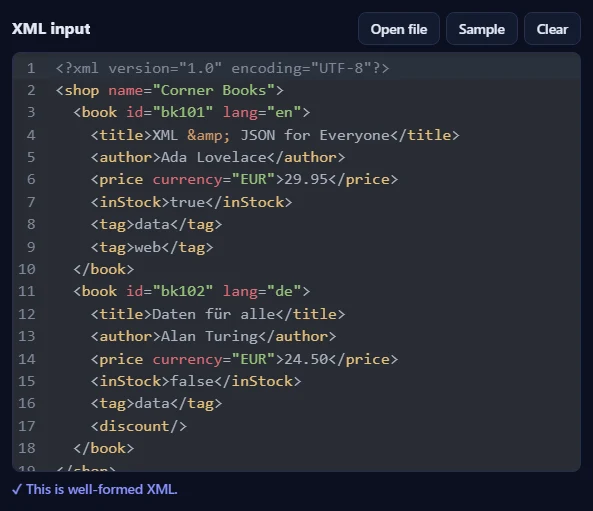
    Paste XML into the XML input box, drop an .xml file onto it, or click Open file. Click Sample to try it with a small shop of two books. As soon as the XML is well-formed, you'll see ✓ This is well-formed XML under the box.

    The XML input box with a sample shop of two books and the message that it is well-formed XML.The XML input box with a sample shop of two books and the message that it is well-formed XML.
  2. Choose the options

    Pick the Indentation, how Attributes are written (@id converts back with our JSON to XML tool) and when elements become Arrays. Untick Numbers and true/false as JSON values to keep every value as text.

    The options bar with Indentation, Attributes and Arrays menus and checkboxes for numbers, the root element and trimming text.The options bar with Indentation, Attributes and Arrays menus and checkboxes for numbers, the root element and trimming text.
  3. Press Convert to JSON

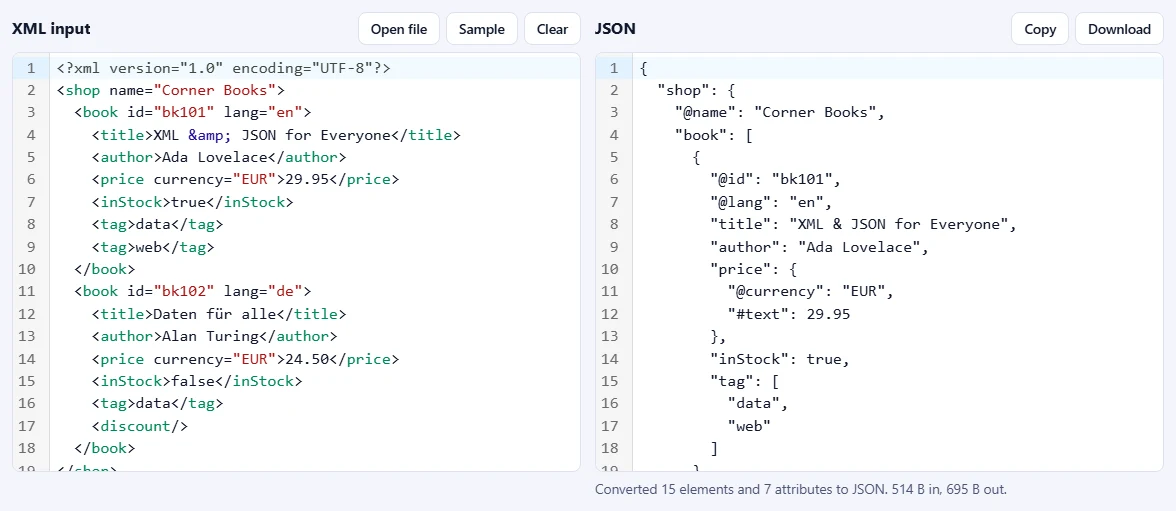
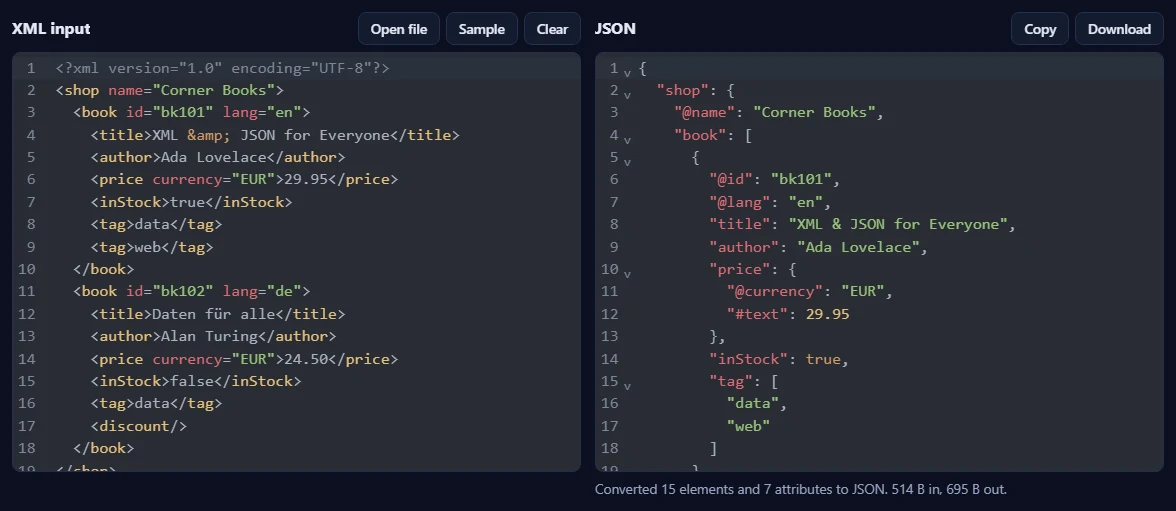
    The JSON appears on the right, with a summary of how many elements and attributes were converted. Use Copy or Download to take it with you. If the XML has a mistake, a message names the line and column; Go to error jumps straight there.

    The sample XML on the left and the JSON on the right, with @id and @lang keys, a tag array and numbers for the prices.The sample XML on the left and the JSON on the right, with @id and @lang keys, a tag array and numbers for the prices.

Good to know

  • Nothing is uploadedYour XML is processed in your browser and never leaves your device.
  • Daily usesEach successful run counts as one XML operation. XML with mistakes is never counted.
  • And back againWith @ for attributes, the JSON to XML converter in the JSON Toolkit turns the result back into XML.

Frequently asked questions

How are attributes converted?

By default an attribute such as id="bk101" becomes the key "@id". The @ keeps attributes apart from child elements, and our JSON to XML converter turns @keys back into attributes. You can also choose _id, a plain id without a prefix, or leave attributes out.

What happens to repeated elements?

Elements that repeat, such as several <book> elements, become a JSON array. If an element repeats in one place, it becomes an array everywhere it appears under the same parent, so every record has the same shape even when it holds only one item. Choose Every element in an array if your program always expects arrays.

What is "#text"?

When an element has attributes or child elements and also text, like <price currency="EUR">29.95</price>, the text goes in a "#text" key next to the attributes: {"@currency": "EUR", "#text": 29.95}. An element that holds only text simply becomes its value.

Are numbers and true/false converted?

Yes, when Numbers and true/false as JSON values is ticked. 29.95 becomes a number and true becomes a boolean. Numbers keep their exact digits, so large IDs are not rounded, and values such as 007 or +44 stay text because a number would lose their leading characters. Untick the option to keep every value as text.

What is lost when converting XML to JSON?

JSON has no place for comments or processing instructions, so they are left out. Namespace prefixes stay part of the names, such as "dc:title", and xmlns declarations are kept like other attributes. Empty elements become null. Text mixed between child elements is joined into one "#text" value; the tool tells you when that happens.

Is my XML uploaded or stored?

No. The conversion runs inside your browser, so your data never leaves your device. Our server only records that one operation was done, along with your network address, so the daily limit shown above the tool can be applied.

More XML tools