
![The XPath expression box with //book[price > 25]/title/text(), the message that it is valid, and example expressions to click.](/guides/xml/xpath-expression-light.webp)
![The XPath expression box with //book[price > 25]/title/text(), the message that it is valid, and example expressions to click.](/guides/xml/xpath-expression-dark.webp)
Frequently asked questions
Which version of XPath is supported?
XPath 1.0, the version built into every web browser and used by most XML libraries, XSLT 1.0, Selenium and many scrapers. All its axes, operators and functions work, such as contains(), starts-with(), normalize-space(), count() and sum(). Functions added in XPath 2.0 and later, such as matches(), lower-case() or string-join(), are not available.
Why does my expression find nothing when the XML has a namespace?
In XPath 1.0, a name without a prefix only matches elements that have no namespace. If the document declares a default namespace with xmlns="…", its elements belong to that namespace, so //book finds nothing. Write //*[local-name()='book'] instead; the tester reminds you when this happens.
Can I use namespace prefixes such as dc:title?
Yes. Every prefix declared in the XML with xmlns:prefix="…" can be used in the expression, so //dc:title works when the document declares xmlns:dc. A prefix that the XML doesn't declare is reported with a clear message.
What do the results show?
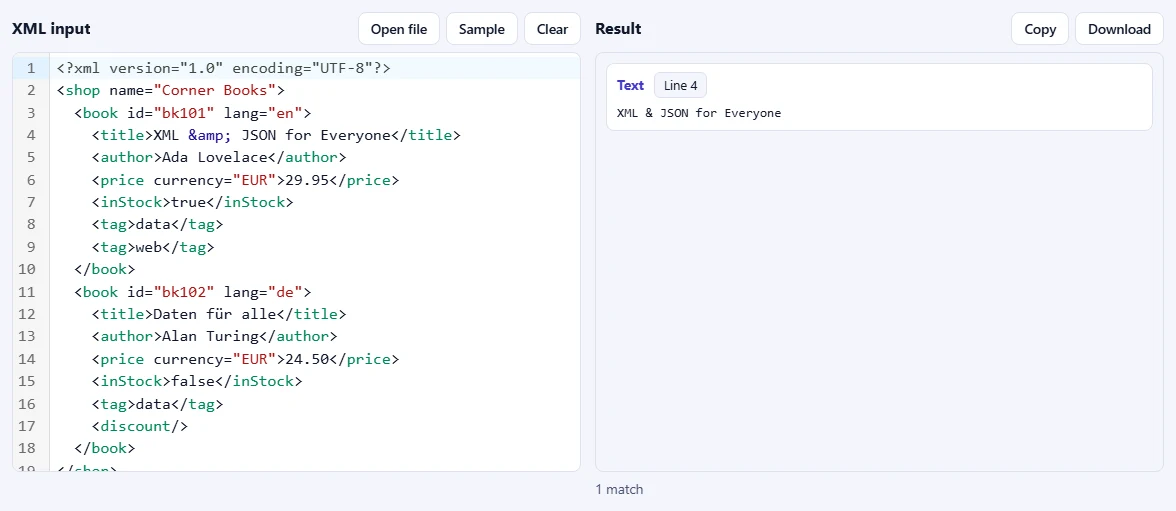
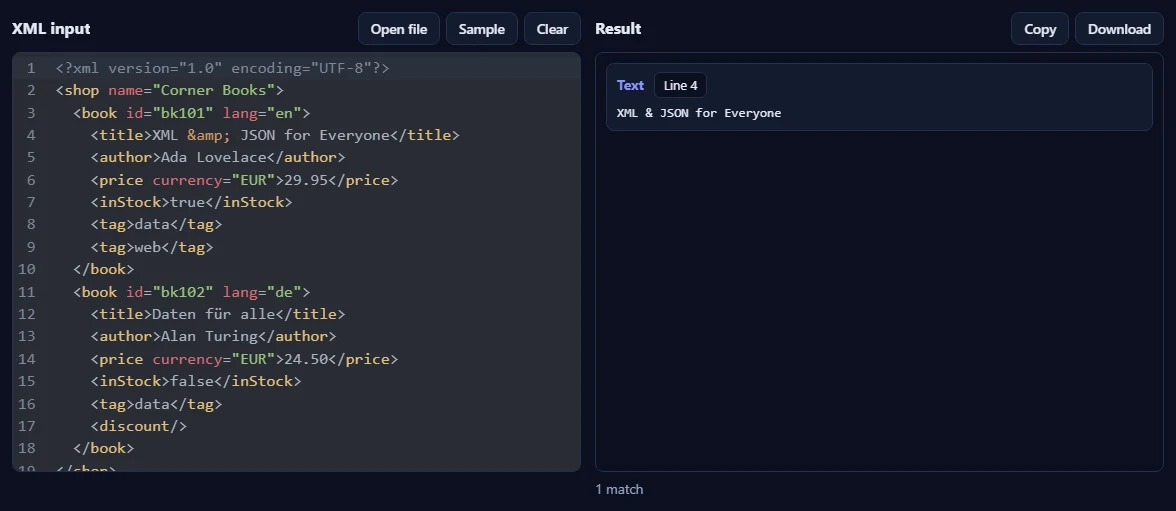
For a node selection, each match is listed in document order with its type (element, attribute, text…), its name and its content, plus the line where it is. Click the line to jump there in the editor. Expressions that return a number, a text value or true/false, such as count(//book), show that value instead.
Is my XML uploaded or stored?
No. The expression runs in your browser with its built-in XPath engine, so your XML never leaves your device. Our server only records that one operation was done, along with your network address, so the daily limit shown above the tool can be applied.
What counts towards the daily limit?
Each run of a valid expression on well-formed XML counts once, even when nothing matches. Checking the expression's syntax as you type, and mistakes in the XML or in the expression, are free.