Image Compressor

Make your images smaller without visible loss. Drop JPEG, PNG, WebP, GIF, SVG or HEIC files, one or many at once; each format is recognised and compressed the right way. Then fine-tune any image and compare before and after.

  • Free daily uses
  • Runs in your browser
  • No sign-up needed

Last updated

Plan: FreeView packages →

Drop images here, or click Select images

JPEG, PNG, WebP, GIF, SVG or HEIC · up to 50 MB each · up to 50 images at once

Guide

How to compress images

Three steps from large files to smaller images you can download one by one or all together.

  1. Add your images

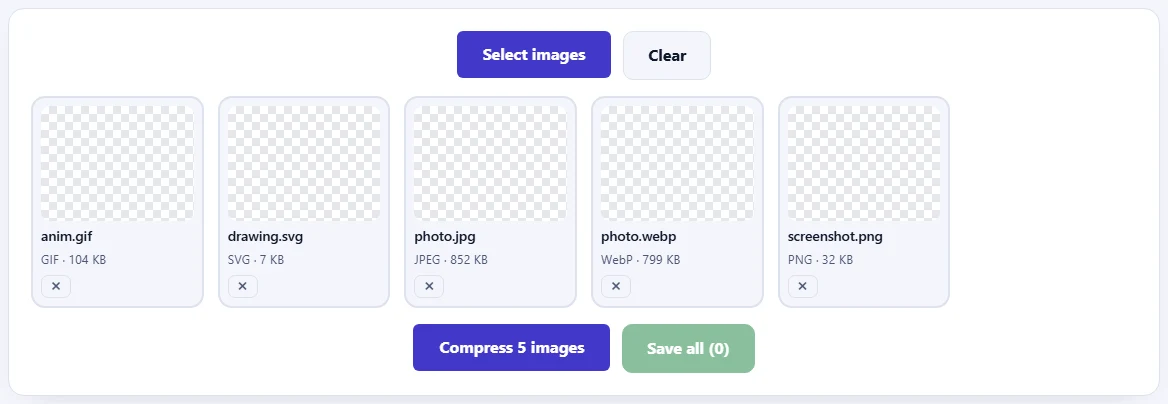
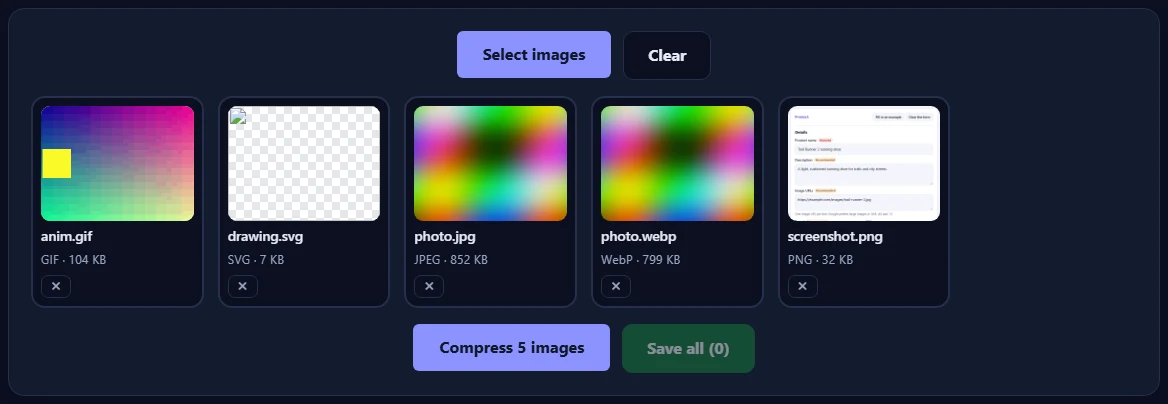
    Click Select images or drop JPEG, PNG, WebP, GIF, SVG or HEIC files onto the box. You can add up to 50 at once and mix formats; each file is recognised automatically.

    The compressor with two images added, the Select images and Clear buttons, and the Compress button.The compressor with two images added, the Select images and Clear buttons, and the Compress button.
  2. Press Compress

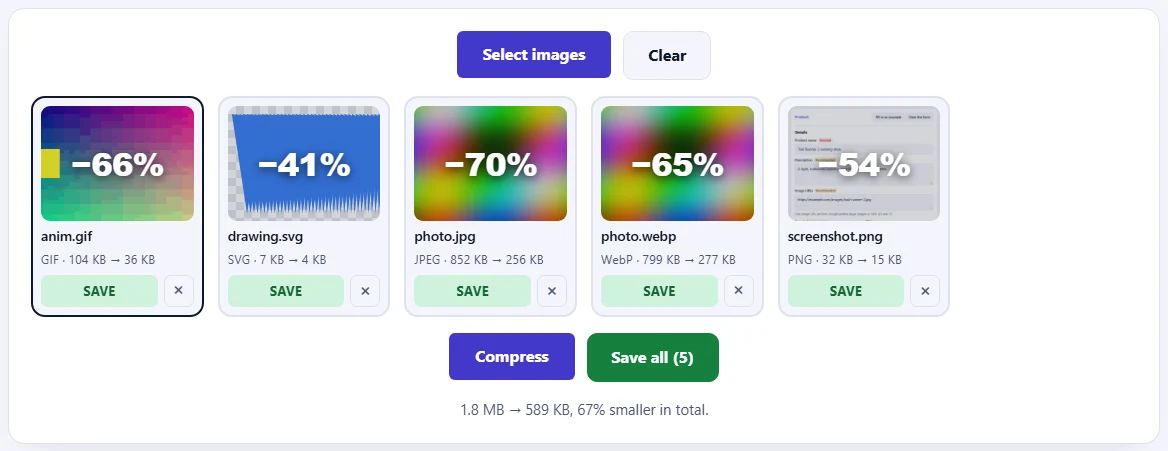
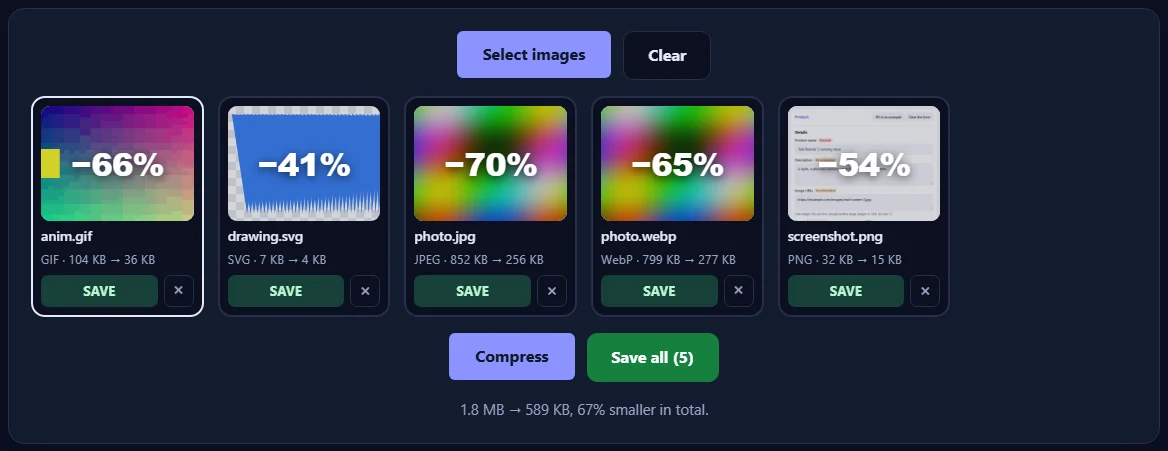
    Every image is compressed and shows how much smaller it got. Save downloads one image; Save all downloads them together in a ZIP file.

    Two compressed images, each with the percentage saved and a Save button, and the Save all button.Two compressed images, each with the percentage saved and a Save button, and the Save all button.
  3. Fine-tune and compare

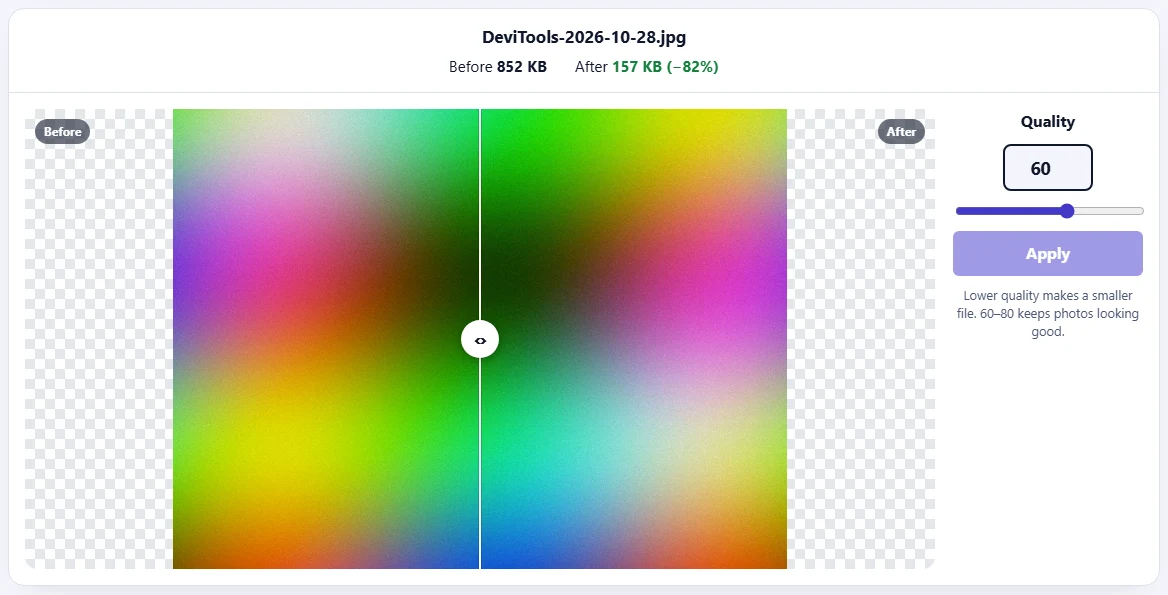
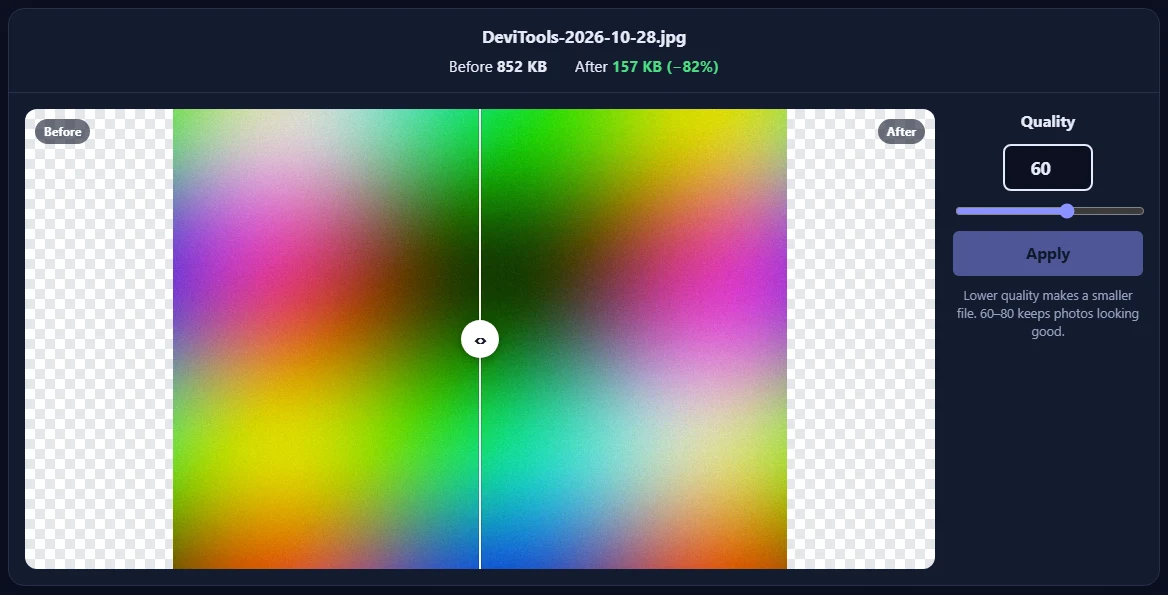
    Click an image to compare before and after with the slider. Change the Quality (JPEG, WebP), the Colors (PNG, GIF) or the Decimals (SVG) and press Apply.

    The before and after view of a photo with the comparison slider, the sizes before and after, and the Quality control with the Apply button.The before and after view of a photo with the comparison slider, the sizes before and after, and the Quality control with the Apply button.

Good to know

  • Nothing is uploadedImages are compressed in your browser and never leave your device.
  • Daily usesEach image counts once when it is first compressed. Adjusting it with Apply is free.
  • Never biggerIf compressing doesn't make a file smaller, the original is kept.

Frequently asked questions

Which images can I compress?

JPEG, PNG, WebP, GIF (including animated GIFs), SVG and HEIC photos from iPhones. You don't need to choose the type: each file is recognised from its content, so you can mix formats and compress up to 50 images at once.

How does it make images smaller?

JPEG and WebP are saved again at a lower quality (75 to start with). PNG and GIF are reduced to fewer colours, the same lossy technique popular PNG optimizers use, and GIF animations only store the pixels that change. SVG files are cleaned up: editor data and comments are removed and numbers are rounded.

Can I compress HEIC photos from my iPhone?

Yes. Browsers can't save HEIC files, so HEIC photos are saved as JPEG, which every phone, computer and website can open. HEIC is already very efficient, so the size is limited to 2048 pixels on the longest side to start with, which keeps photos sharp on screens and makes the file much smaller. Choose Original size under Max size to keep every pixel.

Will my images look worse?

The starting settings are chosen so the difference is hard to see. Click an image to compare before and after with the slider, then change the quality or the number of colours and press Apply. If compressing doesn't make a file smaller, the original is kept unchanged.

Are my images uploaded?

No. Everything happens in your browser, so your images never leave your device. Our server only records that one image was compressed, along with your network address, so the daily limit can be applied.

Is photo information (EXIF) kept?

No. Compressed JPEG, WebP and PNG files don't keep hidden photo details such as the camera, the date or the GPS location, which makes them smaller and safer to share. Photos are turned the right way up first, so nothing looks rotated.

What counts towards the daily limit?

Each image counts once, the first time it is compressed. Adjusting it afterwards with Apply is free, and images that fail are never counted.