

FAQ Schema Generator

Type your questions and answers, and get FAQPage structured data in JSON-LD, ready to paste into your page. Every question is checked as you type.

  • Free daily uses
  • Runs in your browser
  • No sign-up needed

Last updated

Plan: FreeView packages →

Made in your browser. What you type is not uploaded.

100 of 100 copies left today
FAQPage
Questions and answers
  1. Question 1
Checks1 to fix
  • Questions and answers: Add at least 1.
JSON-LD code

Paste the code into the <head> of the page it describes (or anywhere in its <body>), then test it with Google.

Guide

How to create FAQPage structured data

Three steps from a filled-in form to code you can paste into your page.

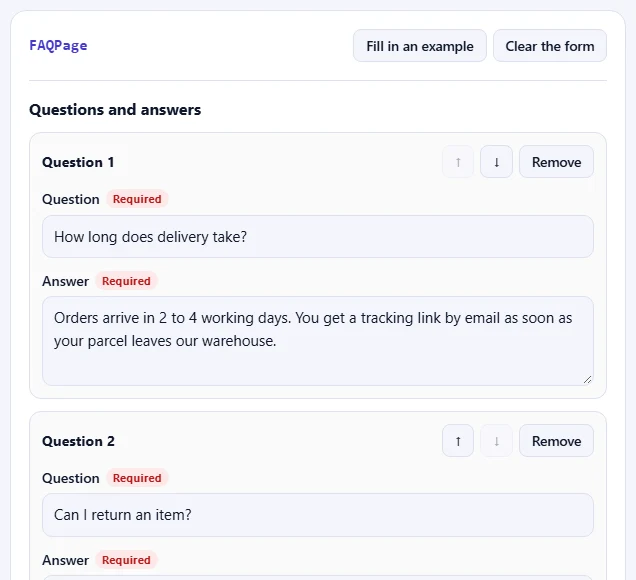
  1. Fill in the form

    Fill in the fields for your page. Fields marked Required are needed for Google's rich results; Recommended ones make the result richer. Click Fill in an example to see a complete FAQPage.

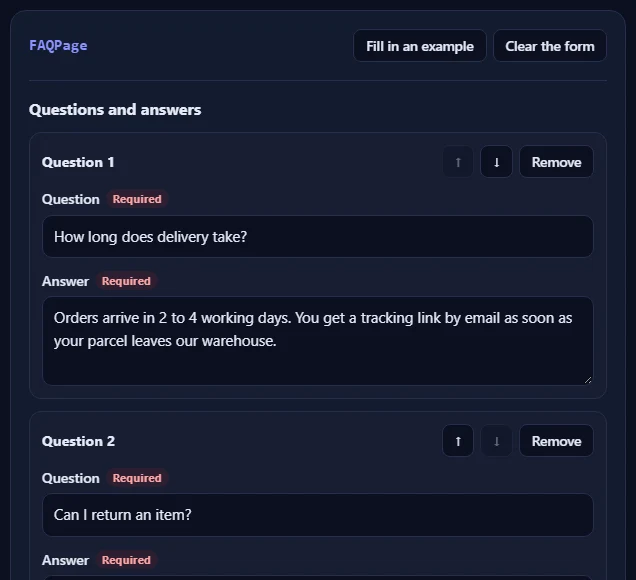
    The FAQPage form filled in with an example.The FAQPage form filled in with an example.
  2. Check the problems

    The Checks box lists anything to fix in red, such as a missing field or a web address without https://, and suggestions in amber. When everything is right, it turns green.

    The Checks box listing problems to fix and suggestions.The Checks box listing problems to fix and suggestions.
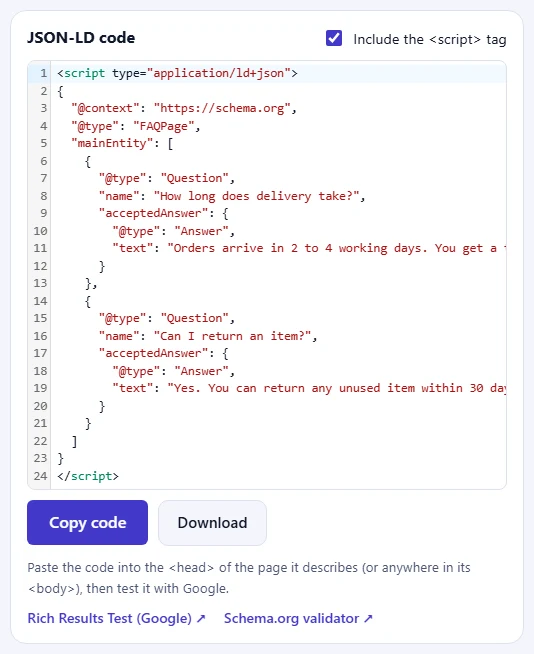
  3. Copy the code

    Click Copy code and paste it into the HTML of your page, then test the page with Google's Rich Results Test.

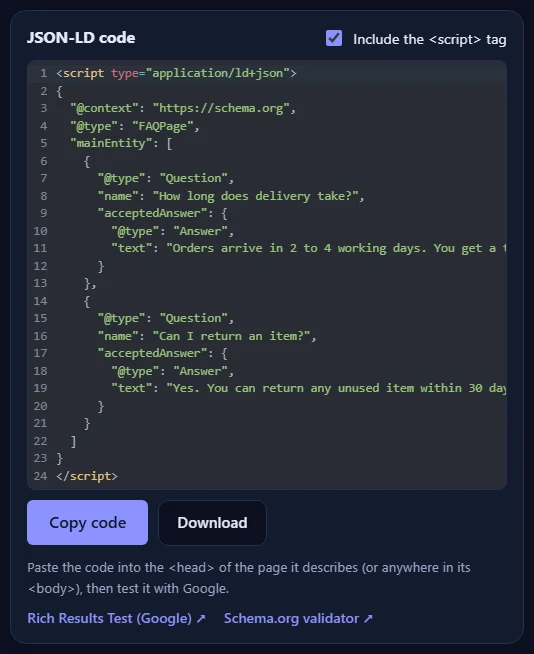
    The JSON-LD code for the FAQPage, with the Copy code and Download buttons and links to Google's Rich Results Test and the Schema.org validator.The JSON-LD code for the FAQPage, with the Copy code and Download buttons and links to Google's Rich Results Test and the Schema.org validator.

Good to know

  • Nothing is uploadedThe code is made in your browser. What you type never leaves your device.
  • Daily usesEach copy or download of new code counts once. Copying the same code again is free.
  • Match the pageOnly mark up information that visitors can see on the page itself.

Frequently asked questions

Will Google show my FAQ as a rich result?

Since 2023, Google shows FAQ rich results mainly for well-known government and health websites. FAQPage markup is still valid and still helps search engines and AI assistants understand your questions and answers, so it is worth adding on pages with a real FAQ.

Can I use HTML in the answers?

Yes. Google allows simple HTML in answers: links, lists, paragraphs, bold and italic. Keep the answer the same as the text visitors see on the page.

How many questions can I add?

As many as your page has. Mark up only questions that are visible on the page, and use one FAQPage per page.

Where do I put the code?

Paste the whole <script type="application/ld+json"> block into the HTML of the page it describes, ideally in the <head>; the <body> works too. In WordPress, use your SEO plugin's custom schema box or a plugin that adds code to the head of one page. Then check the page with Google's Rich Results Test.

Does structured data guarantee rich results?

No. Correct structured data makes a page eligible, but Google decides whether to show a rich result. The information in the code must also be visible on the page itself: don't mark up questions, prices or reviews that visitors can't see.

Is what I type uploaded or stored?

No. The code is made in your browser and nothing you type leaves your device. When you copy or download the code, our server only records that one use happened, so the daily limit can be applied. Copying the same code again is free.

More schema generators