Event Schema Generator

Fill in your event's dates, place or online link, organizer and tickets, and get Event structured data in JSON-LD, so it can appear in Google's event results.

  • Free daily uses
  • Runs in your browser
  • No sign-up needed

Last updated

Plan: FreeView packages →

Made in your browser. What you type is not uploaded.

100 of 100 copies left today
Event
Details
One image URL per line. Google prefers large images in 16:9, 4:3 and 1:1.
Such as +01:00 or -05:00. Leave empty only if the times are in UTC.
Location
Two-letter code, such as US, GB or DE.
Organizer and performer
Tickets
Three-letter code, such as USD, EUR or GBP.
Checks3 to fix5 suggestions
  • Details: Event name is required.
  • Details: Starts is required.
  • Add the venue name or its address, or set Attendance to Online.
  • Details: Description is recommended by Google.
  • Details: Image URLs is recommended by Google.
  • Details: Ends is recommended by Google.
  • Organizer and performer: Organizer name is recommended by Google.
  • Add the time zone, so the times are not misread in other countries.
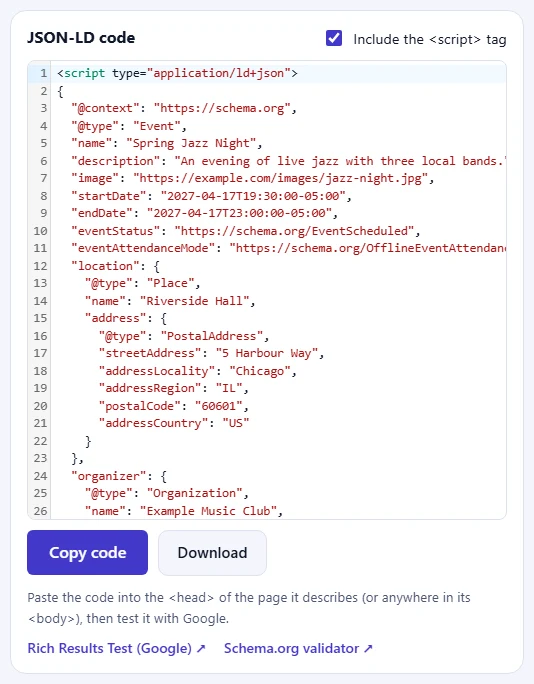
JSON-LD code

Paste the code into the <head> of the page it describes (or anywhere in its <body>), then test it with Google.

Guide

How to create Event structured data

Three steps from a filled-in form to code you can paste into your page.

  1. Fill in the form

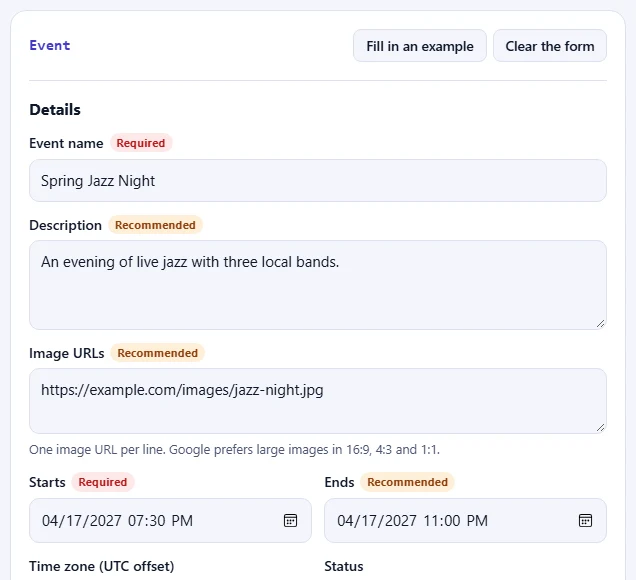
    Fill in the fields for your page. Fields marked Required are needed for Google's rich results; Recommended ones make the result richer. Click Fill in an example to see a complete Event.

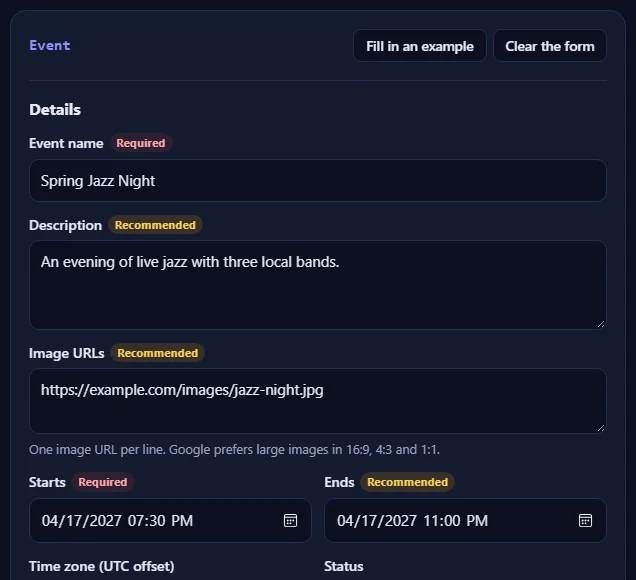
    The Event form filled in with an example.The Event form filled in with an example.
  2. Check the problems

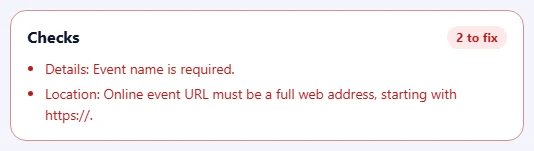
    The Checks box lists anything to fix in red, such as a missing field or a web address without https://, and suggestions in amber. When everything is right, it turns green.

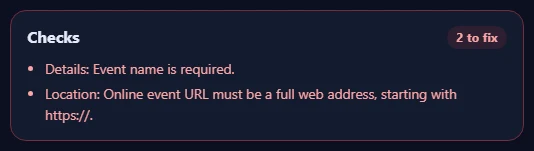
    The Checks box listing problems to fix and suggestions.The Checks box listing problems to fix and suggestions.
  3. Copy the code

    Click Copy code and paste it into the HTML of your page, then test the page with Google's Rich Results Test.

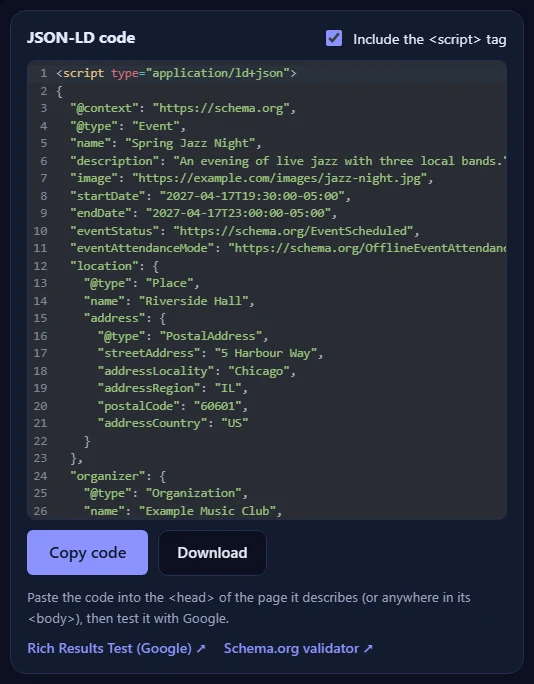
    The JSON-LD code for the Event, with the Copy code and Download buttons and links to Google's Rich Results Test and the Schema.org validator.The JSON-LD code for the Event, with the Copy code and Download buttons and links to Google's Rich Results Test and the Schema.org validator.

Good to know

  • Nothing is uploadedThe code is made in your browser. What you type never leaves your device.
  • Daily usesEach copy or download of new code counts once. Copying the same code again is free.
  • Match the pageOnly mark up information that visitors can see on the page itself.

Frequently asked questions

Why add the time zone?

Without it, the start time can be read as the wrong hour by people and search engines in other countries. Type the UTC offset that applies on the event day, such as +01:00 for Paris in winter or -05:00 for New York in winter.

How do I mark up an online event?

Set Attendance to Online and fill in the online event URL. For an event that is both in person and online, choose In person and online and fill in both the venue and the URL.

What if the event is cancelled or postponed?

Keep the page and the markup, and change Status to Cancelled or Postponed. For a new date, choose Rescheduled and update the dates.

Where do I put the code?

Paste the whole <script type="application/ld+json"> block into the HTML of the page it describes, ideally in the <head>; the <body> works too. In WordPress, use your SEO plugin's custom schema box or a plugin that adds code to the head of one page. Then check the page with Google's Rich Results Test.

Does structured data guarantee rich results?

No. Correct structured data makes a page eligible, but Google decides whether to show a rich result. The information in the code must also be visible on the page itself: don't mark up questions, prices or reviews that visitors can't see.

Is what I type uploaded or stored?

No. The code is made in your browser and nothing you type leaves your device. When you copy or download the code, our server only records that one use happened, so the daily limit can be applied. Copying the same code again is free.

More schema generators